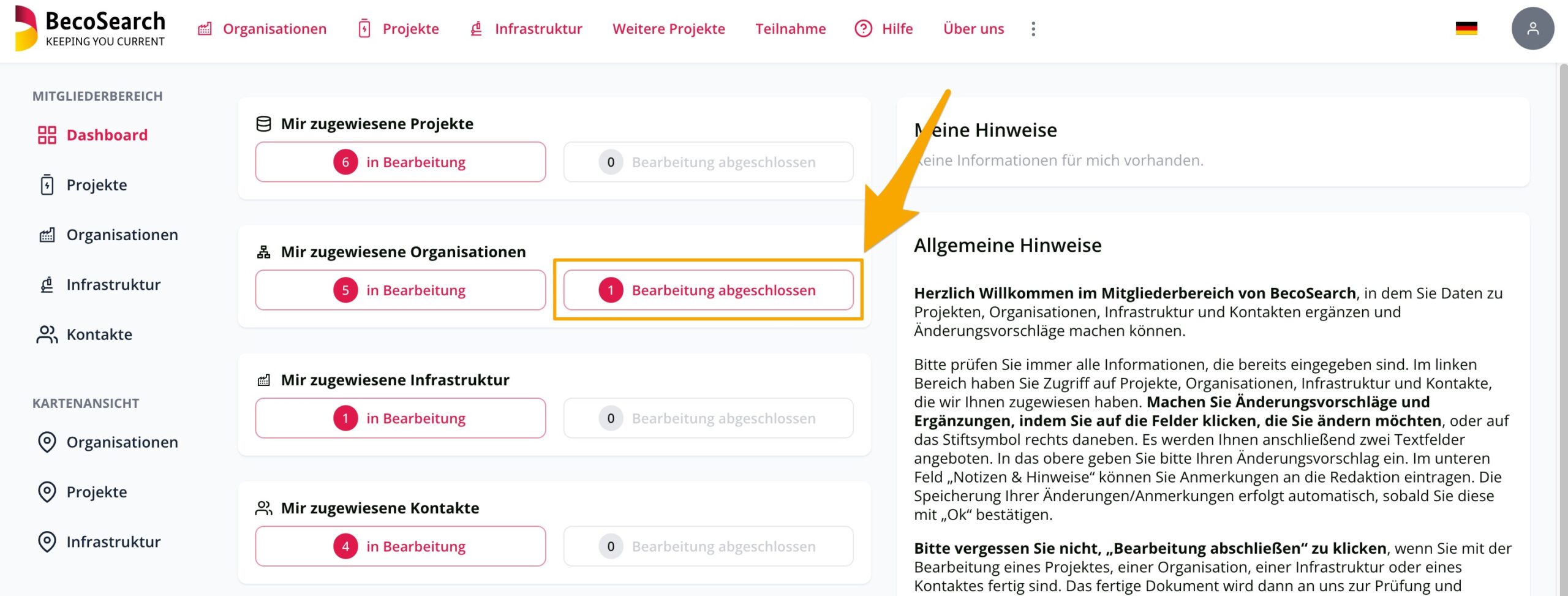
Create new organizations, projects and infrastructure
You have the option of independently creating new organizations, infrastructure and projects – entities for short – in BecoSearch. To do so, click on the corresponding field ‘Add organization’, ‘Add infrastructure’ or ‘Add project’ in the map or table view.
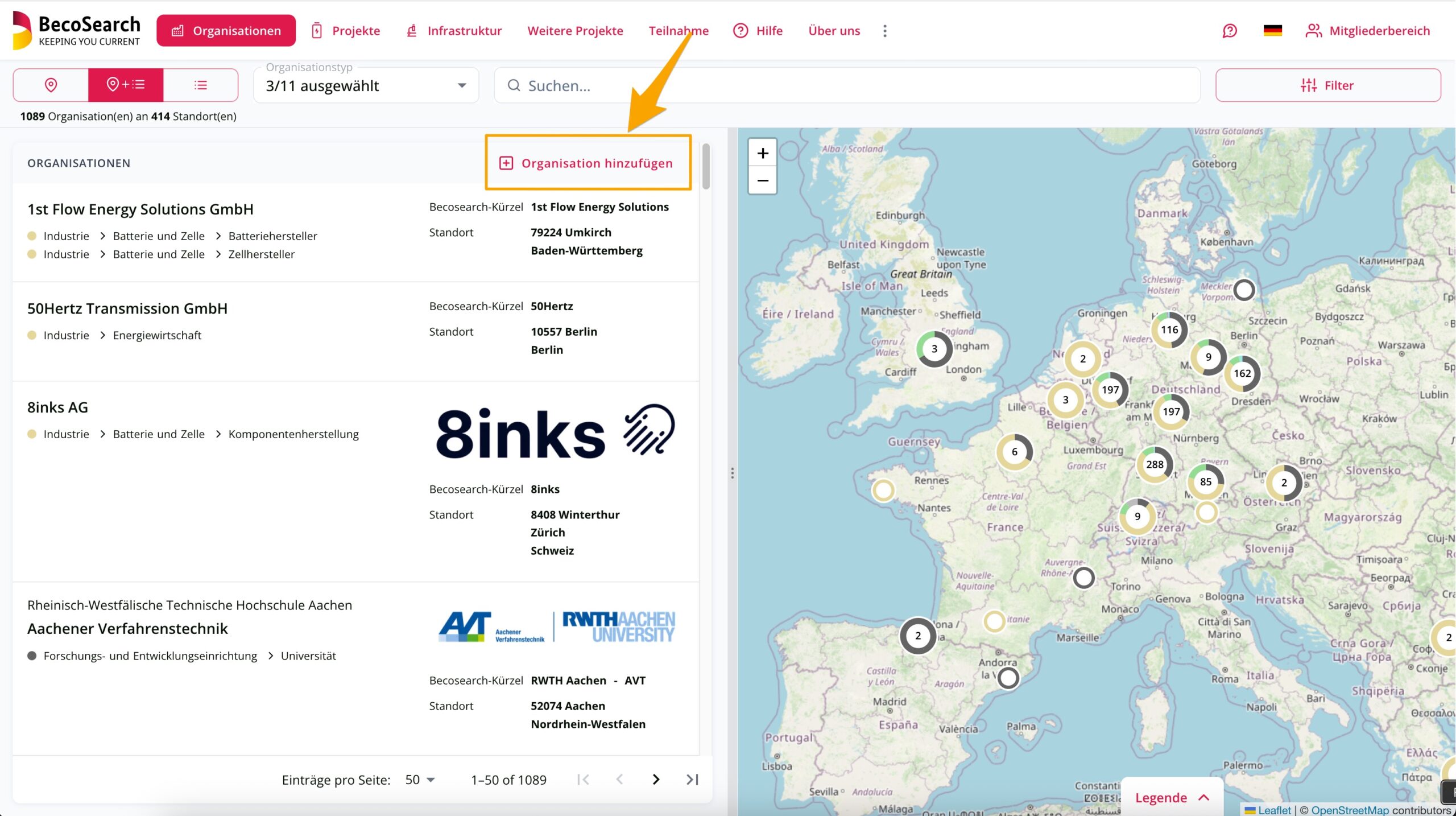
Or you can click on ‘Participation’ in the BecoSearch header and select the entity you wish to register. We will then guide you step by step through the registration process.
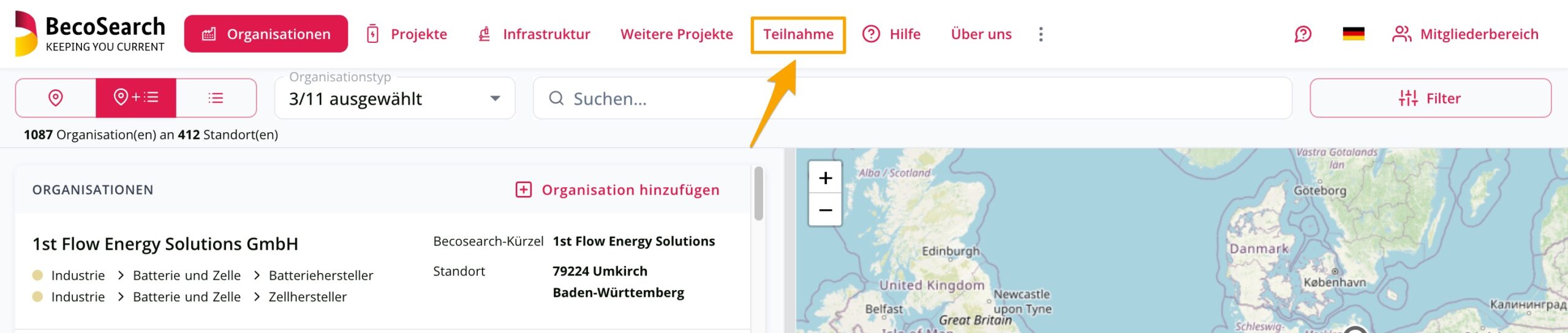
Suggest edits to existing data
If you want to edit data for an organization, click on the ‘Suggest changes’ button in the corresponding organization.
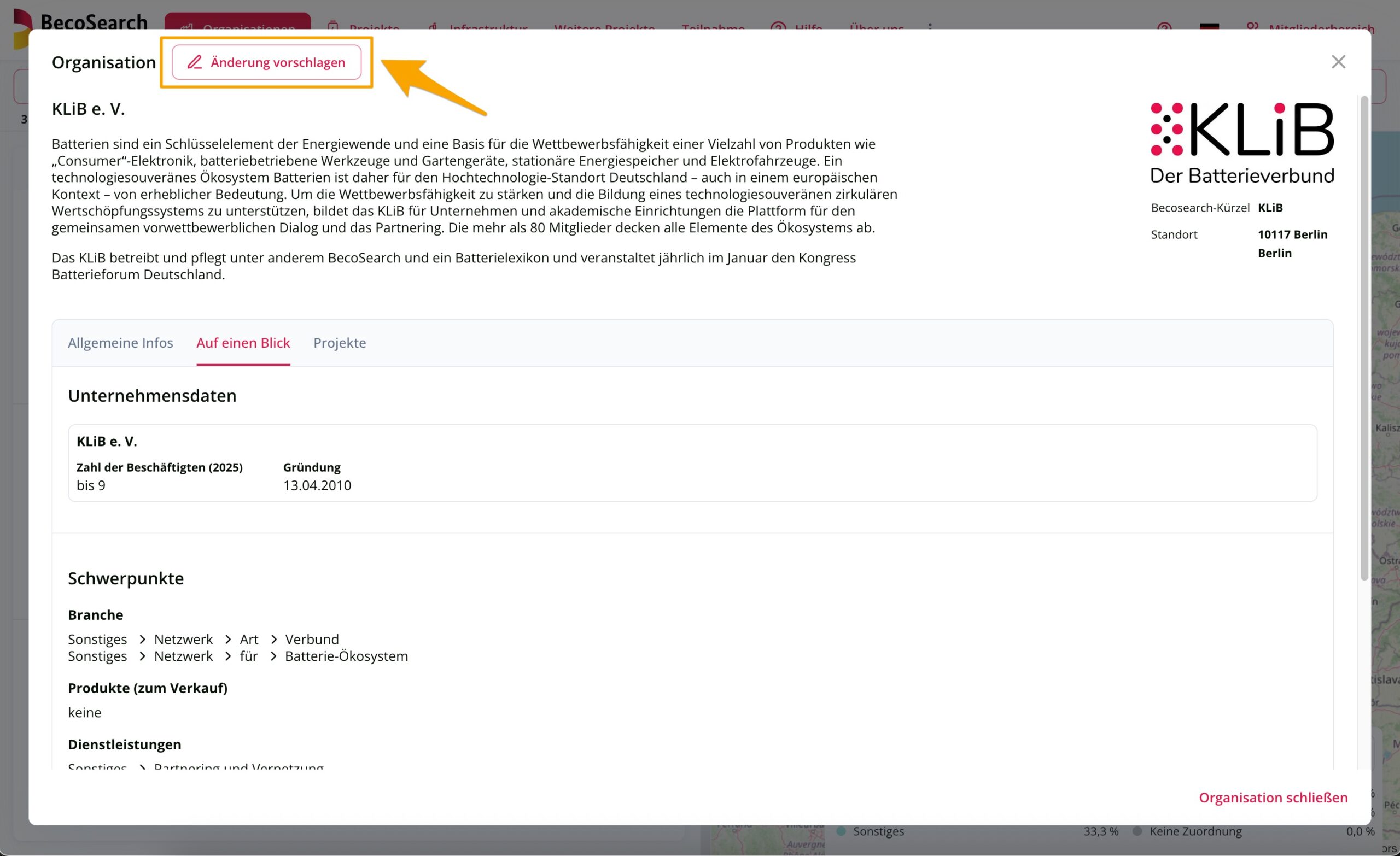
You now have the opportunity to send us anonymous suggestions for edits in the form of a free text. Alternatively, if you log in to the Data Maintenance Area (How do I get access to the Data Maintenance Area?), you can make detailed edits directly to the data.
In any case, the BecoSearch editorial team will check your entries and approve them as quickly as possible. So please be patient until the suggested edits are published.
Editing existing data in the Data Maintenance Area
If you have selected an entity for editing, the data that can be changed is displayed in four tabs. To change data, click on the pencil icon, which is usually located to the right of each entry.
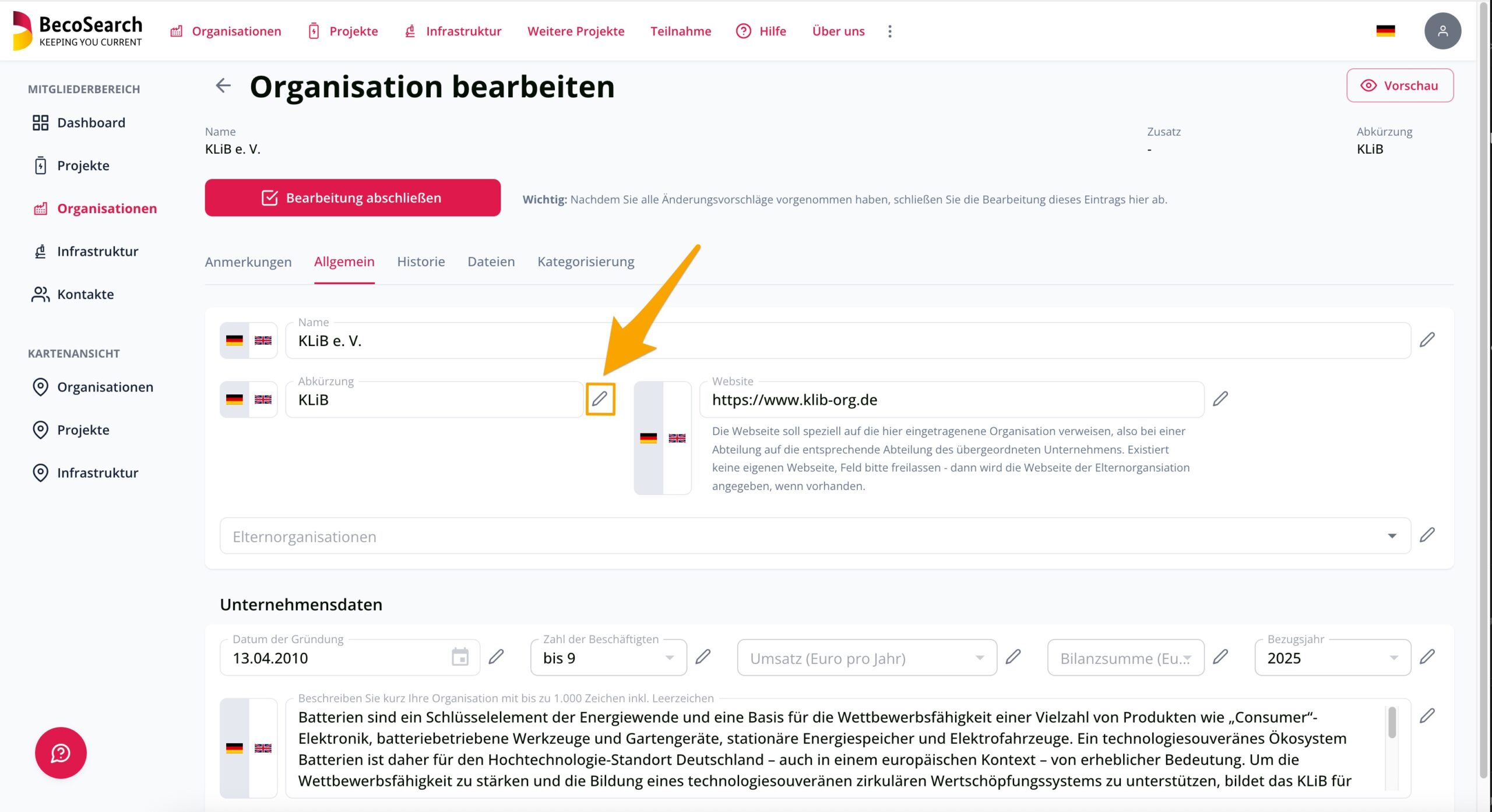
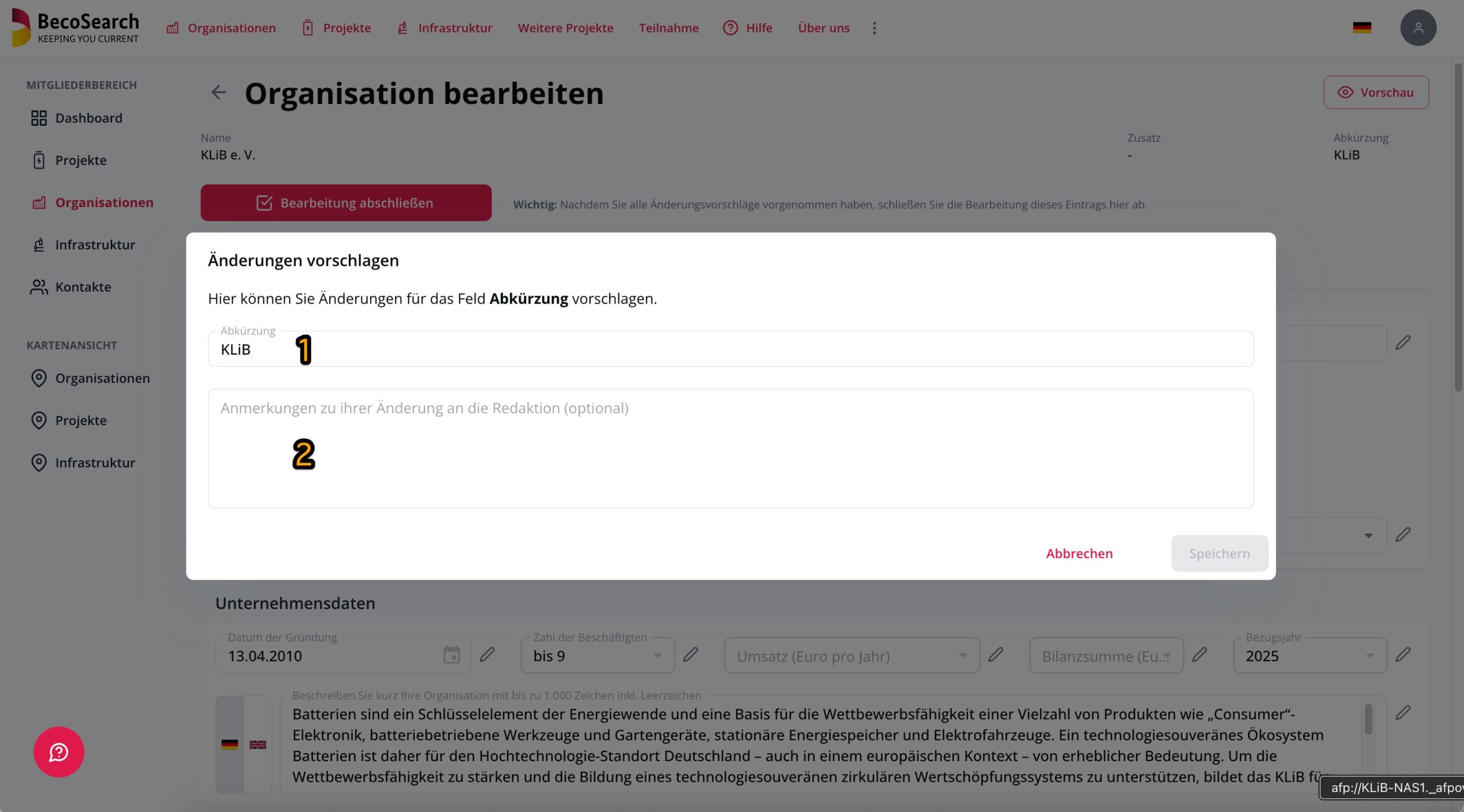
In the window which then opens, the current entry is displayed in the upper field (1). You can now change this data. You also have the option of leaving a comment, links, requests, questions or similar for the editorial team (2) in the bottom field.
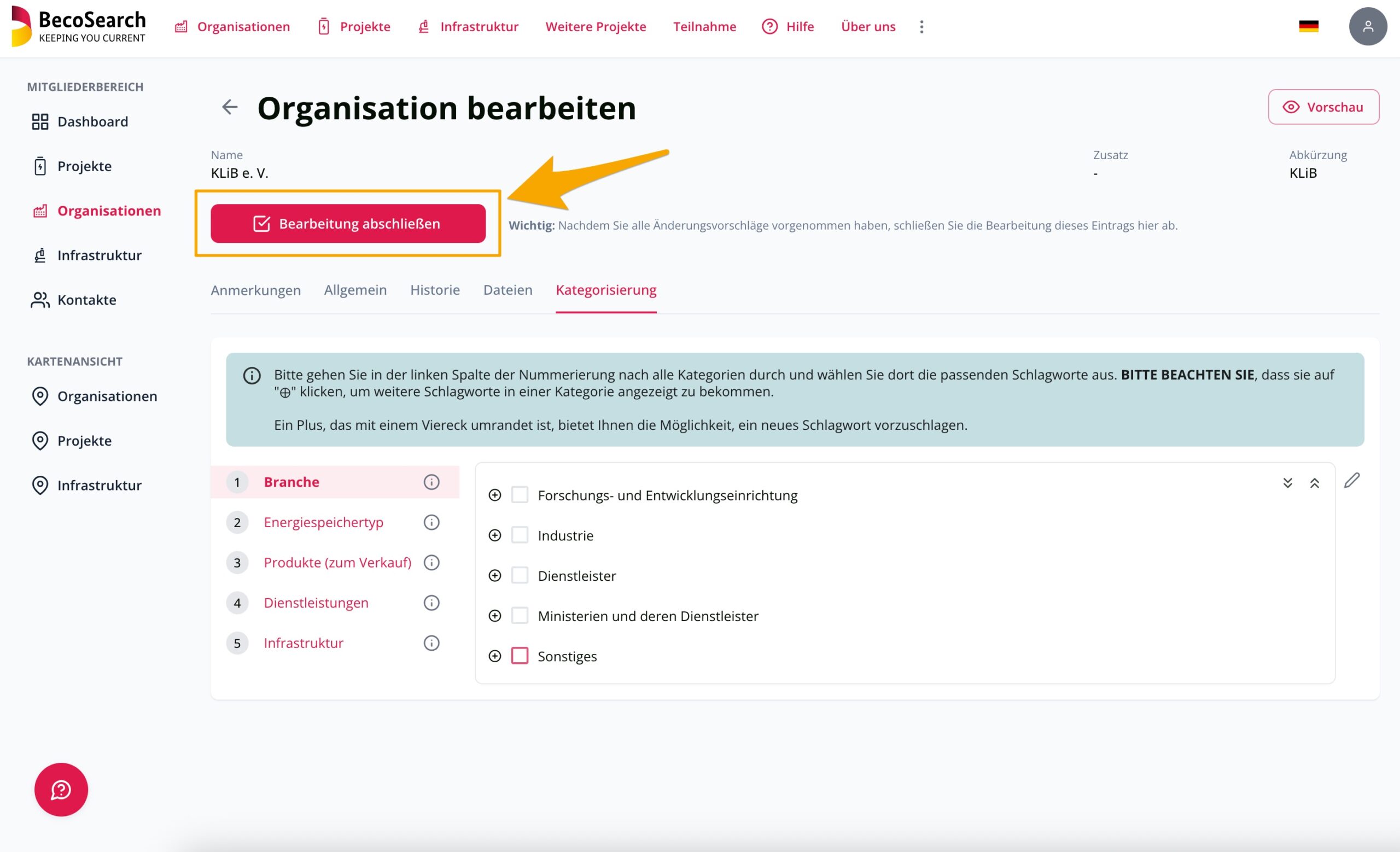
Frinish editing
When you have finished editing all German and English data records, do not forget to click on ‘Finish editing’. This will notify the editors that editors are available for review.
If you want to make subsequent changes to the edited entries, you can do this via your dashboard in the Data Maintenance Area. You can find the edited entities by clicking on ‘Edit complete’. There you can call up the desired entity again for editing without deleting your previous edits.